
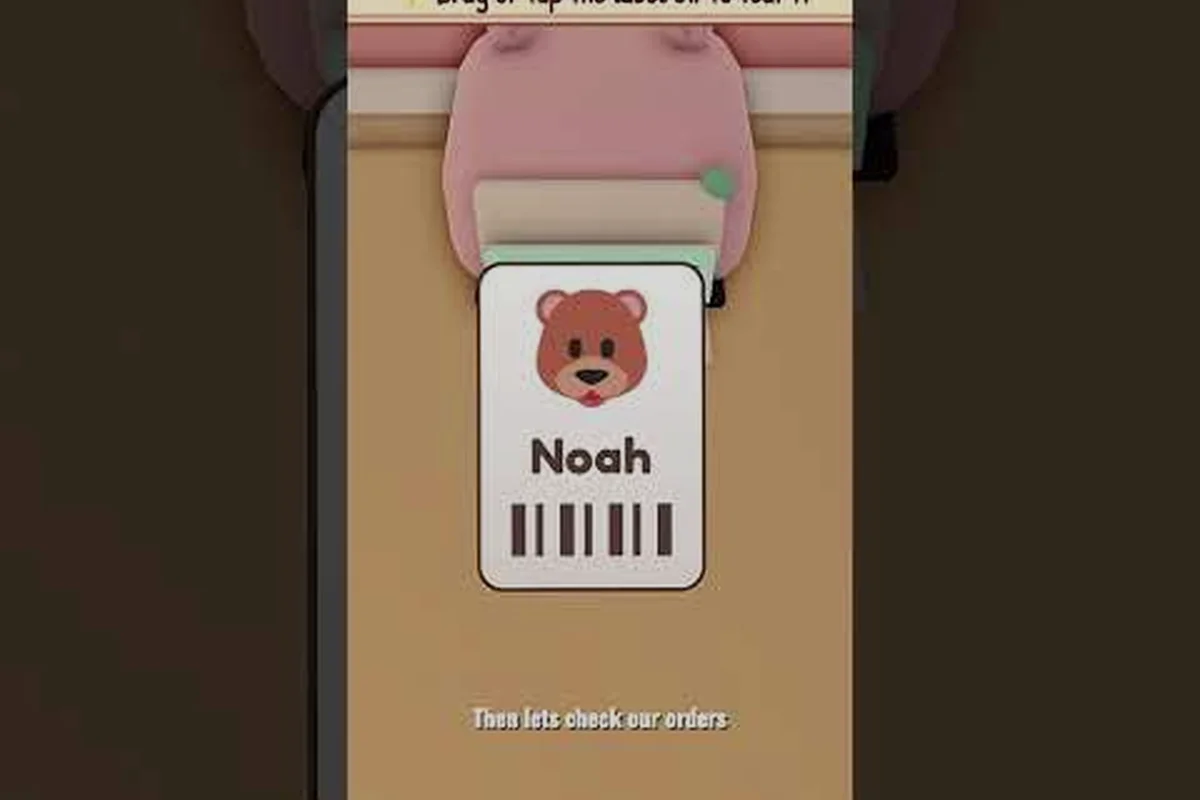
The my small business roblox five star shop badge is the badge most players chase and then quietly give up on, because the Orders board punishes sloppy packing faster than it rewards effort. Only about 2.4% of players had earned it as of late October 2026, according to the game's official page, and the reason is almost never talent — it is a handful of repeatable packing habits that most shops never build.
What the Five Star Shop Badge Actually Requires
The badge does not track how much money you make or how fancy your storefront looks. It tracks the star rating on your Orders board, which is a rolling measure of how well you handle customer orders. Ship clean, complete orders on time, avoid cancellations, and keep packing quality high, and the rating climbs. Cut corners on any of those and it slides back down.
That distinction matters because a lot of players pour coins into upgrades and design work while their rating stays stuck at three stars. The badge is a service-quality badge, not a progression badge, so the fastest route to it runs through the packing bench rather than the shop floor.
Here is how the rating inputs break down in practice, based on community reports and the official game description: each completed order writes a score to your Orders board, and the badge unlocks once that rolling average holds at five stars rather than spiking there for a single sale. In practice this means a perfect-fit box with a thank-you card on a correct, on-time order moves the needle far more than raw order volume, while a short count or an abandoned pack drags the average down across your next several shipments.
| Rating Input | What Helps | What Hurts |
|---|---|---|
| Order accuracy | Correct product and exact quantity | Wrong item or short count |
| Packing quality | Perfect-fit box, goodies, thank-you card | Oversized box, bare package |
| Timing | Shipping before the timer runs out | Late shipments |
| Cancellations | Zero cancelled orders | Abandoning an order mid-pack |
| Consistency | Several clean orders in a row | One bad order resetting momentum |
The key takeaway is that one cancelled order can undo several good shipments, so protecting a streak is worth more than squeezing in extra volume. If you want the broader picture of how every badge fits together, the full badge list breakdown covers the milestones that come before and after this one.
Why the Rating Feels Sticky at Four Stars
Most players stall at four stars because they fix the obvious problems — wrong items, late shipping — but ignore the subtle ones. A package that arrives complete and on time can still drag the rating down if the box is the wrong size or the presentation is bare. The rating system rewards the whole delivery experience, not just the transaction.
Community testing suggests the rating moves in small increments rather than jumping a full star per order, which is why patience matters. You are not looking for one perfect shipment; you are looking for a run of them. Players who treat each order as a chance to add a goodie and a card tend to climb faster than players who only fix errors.
Step-by-Step: How to Get Five Star Shop Fast
The my small business roblox how to get five star shop question comes up constantly in community threads, and the honest answer is that there is no shortcut — but there is a fast, repeatable routine. The players who earn the badge quickest are the ones who standardize their packing process so every order looks identical in quality.
Follow this sequence for each order and the rating will climb steadily: the routine only pays off if you run it in the same order every single time, because the Roblox rating system in My Small Business rewards consistency across consecutive orders rather than one perfect package. Treat the six steps below as a fixed checklist — design and print, cut quantity, match the box, add the card and goodie, ship, clear the bench — and repeat it identically for cheap orders and expensive ones alike. Players who skip a step on low-value orders often see their star rating stall at four stars even when their big-ticket packages are flawless.
-
Design and print the correct product before touching the packing bench, so you never pack the wrong item.
-
Cut the exact quantity the order asks for — count twice, because short orders are the single most common rating killer.
-
Match the box to the product size; a perfect-fit box reads as care, an oversized one reads as sloppy.
-
Add a thank-you card and a goodie to every package, not just the big ones.
-
Ship immediately once packing is complete, rather than letting finished orders sit on the bench.
-
Clear the bench between orders so leftover items never get mixed into the next package.
That last point is underrated. A cluttered bench is how wrong items end up in boxes, and a single mixed-up order can cost you more rating than five clean ones earn back. Think of the bench as a reset button: once a package ships, sweep every leftover part, offcut, and spare goodie into storage before the next order touches the surface. In My Small Business, a stray item from a previous order that slips into the next box reads as a wrong-item delivery to the buyer, and that one-star hit drags your average down fast — the star rating guide math is unforgiving because a 1-star review erases the buffer several 5-star orders built up. Clearing the bench takes seconds and protects the five star shop badge grind you've already invested in.
The Fastest Badge Route in Practice
If your goal is the my small business roblox fastest badge guide route, the efficient approach is to batch production but never batch packing. Produce several copies of a product at once, then pack and ship them one at a time with full attention on each. Batching packing is where errors creep in.
A simple rhythm works well: produce a small batch, pack one order completely, ship it, then start the next. This keeps the Orders board moving without ever letting two half-finished packages share bench space. Players who try to pack three orders simultaneously almost always ship at least one mistake.
Raising Your Shop Rating Without Wasting Coins
The my small business roblox increase shop rating goal tempts players into buying every upgrade they can afford, but upgrades do not directly move the star rating. What upgrades do is give you more capacity and better materials, which makes it easier to ship clean orders consistently. Spending on the wrong upgrade first is a common way to slow yourself down.
Prioritize upgrades in this order if the badge is your target: packing and box options first, because packing quality feeds directly into the star rating calculation and every other upgrade only helps you keep that score steady. Printing and cutting speed comes second so you can clear order queues without rushing the fold-and-tape step, then material quality tiers to lift customer satisfaction on each sale. Extra worker help ranks fourth — useful once order volume outpaces your hands, but it cannot fix sloppy packing — and storefront decoration sits dead last since it is purely cosmetic and moves the rating by zero.
| Priority | Upgrade Type | Why It Matters for the Badge |
|---|---|---|
| 1 | Packing and box options | Directly improves packing quality score |
| 2 | Printing and cutting speed | Lets you ship faster without rushing quality |
| 3 | Material quality tiers | Better products support higher satisfaction |
| 4 | Extra worker help | Frees you to focus on packing accuracy |
| 5 | Storefront decoration | Cosmetic; does not affect the rating |
Notice that decoration sits last. A pretty shop with sloppy packing will never earn the badge, while a plain shop with flawless packing earns it reliably. If you are still working out how coins and XP flow through the game, the tips and XP system explainer clarifies where your early income should go.
Reading Your Star Rating Correctly
The my small business roblox star rating guide part that trips people up is interpretation. The Orders board rating is not a lifetime average — it responds to recent performance, which means a bad streak can be repaired and a good streak can be lost. Check the board after every few shipments rather than once per session.
If the rating drops after a shipment, resist the urge to blame the game. Look at the last package you sent: was the quantity exact, was the box the right size, did it include a goodie? In most cases the answer points straight at the cause, and fixing it on the next order starts the recovery immediately.
Shop Rating Tips That Actually Move the Needle
The my small business roblox shop rating tips that circulate in the community mostly boil down to one principle: treat small orders with the same care as large ones. A cheap order packed beautifully earns the same rating credit as an expensive one packed beautifully, and small orders are faster to complete, which means more rating opportunities per session.
A few specific habits separate five-star shops from four-star shops: five-star owners treat the packaging timer as their real scoreboard, not the order count. Because the rating system weights presentation and punctuality, a shop that ships three flawless small orders per session outranks one that rushes ten sloppy ones — the extra volume just multiplies the chances of a missing goodie or a blown timer. The practical difference shows up in restock discipline: top shops keep a buffer of pre-made goodies and plain boxes so a cheap order never waits on production, while four-star shops improvise and stall. Watch your cancellation rate too — a single cancelled order drags the average down harder than a slow shipment, so five-star owners decline orders they can't pack carefully rather than accept and fail.
-
Never ship a package without a goodie, even a cheap one — presentation is scored.
-
Keep a small stock of pre-made goodies so packing never stalls waiting on production.
-
Ship in the same session you pack; delayed shipping invites timer pressure and mistakes.
-
Avoid accepting more orders than you can pack carefully — volume without quality backfires.
-
Watch for cancelled orders and treat a cancellation as a signal to slow down, not speed up.
The my small business roblox get five star rating process rewards deliberate play over frantic play. Players who rush to accept every order end up juggling too many packages and shipping errors, which is exactly how a promising rating collapses.
When to Slow Down and Rebuild
If your rating has dropped and stayed down for several orders, stop taking new work briefly and run a clean-up pass. Finish any half-packed orders, clear the bench completely, restock goodies, and then resume with a single order at a time. This reset usually restores the rating within a short run of clean shipments.
Community reports suggest this reset approach works better than pushing through, because continuing to pack while flustered tends to produce more errors. The badge rewards a calm, repeatable process, and rebuilding that process is faster than trying to outrun a bad streak.
Packing Quality Checklist Before Every Shipment
Before you hit ship, run this checklist. It takes seconds and catches nearly every rating mistake: a wrong-size box leaves the product rattling during delivery, a missed quantity count turns a five-star order into a one-star refund, and a leftover bench item means the wrong goodie goes out. Each slip costs you a star rating that the badge tracker counts against your shop — and since one bad shipment can wipe out the progress of several clean ones, the seven-point sweep is worth the extra ten seconds every time.
- Product matches the order exactly
- Quantity counted and confirmed
- Box is the correct size for the product
- Thank-you card included
- Goodie included
- Bench cleared of leftover items
- Order shipped immediately after packing
This checklist is the practical core of the my small business roblox five star shop badge grind. Nothing on it is difficult; the challenge is doing all seven every single time. Players who internalize the list stop losing rating to careless errors and start accumulating clean shipments, which is what the badge actually measures.
Comparing a Clean Shipment to a Sloppy One
| Element | Clean Shipment | Sloppy Shipment |
|---|---|---|
| Product | Correct item, correct count | Wrong item or short count |
| Box | Perfect fit | Oversized or mismatched |
| Extras | Card plus goodie | Nothing |
| Timing | Shipped same session | Left sitting on bench |
| Rating effect | Positive, builds streak | Negative, can reset progress |
The contrast is stark, and it explains why two players with identical upgrades can end up with very different ratings. The difference is not skill or luck — it is whether the checklist gets followed. A sloppy shipment does not just cost you one review; it can knock your shop's average below the five-star threshold, and since the badge only appears once your rating holds steady, a single short-count order can undo several clean sessions of progress. Clean shippers treat the checklist as a repeatable routine — correct item, snug box, card plus goodie, ship before logging off — which is exactly the loop that pushes your rating back toward five stars fastest.
Frequently Asked Questions
How long does the five star shop badge take to earn?
Most players who follow a consistent packing routine earn it within a handful of focused sessions, though it depends on how many orders you ship per session. The rating responds to recent performance, so a run of clean, complete shipments moves it faster than sporadic play. Players who rush tend to take longer because errors reset progress.
Does spending coins on upgrades help the star rating?
Only indirectly. Upgrades improve capacity, speed, and material quality, which makes it easier to ship clean orders, but the rating itself is driven by order accuracy, packing quality, timing, and cancellations. A fully upgraded shop with sloppy packing will still sit at four stars, so prioritize packing habits over purchases.
Can I recover a rating that has already dropped?
Yes. Stop accepting new orders briefly, finish any half-packed packages, clear the bench, restock goodies, and resume with one order at a time. A short run of clean shipments typically restores the rating, according to community reports. Pushing through while flustered usually produces more errors and delays recovery.
Do cancelled orders really hurt the badge that much?
They do, because the rating weighs consistency heavily and a cancellation signals an abandoned order rather than a completed one. One cancellation can offset the credit from several good shipments, so it is better to accept fewer orders and finish them all than to overbook and drop one.
Is the five star shop badge the hardest badge in the game?
It is one of the tougher service-quality badges, but it is not the rarest overall. Its difficulty comes from consistency rather than a single hard task, which is why so few players hold it. Players working toward full completion should pair it with the other milestone badges rather than chasing it in isolation.
Earning the my small business roblox five star shop badge comes down to a simple truth: the Orders board scores the experience you deliver, not the effort you feel you put in. Build a packing routine around exact quantities, perfect-fit boxes, a card, and a goodie, ship promptly, protect your streak from cancellations, and check the board after every few orders so problems get fixed before they compound. Do that consistently and the fifth star arrives on its own.