
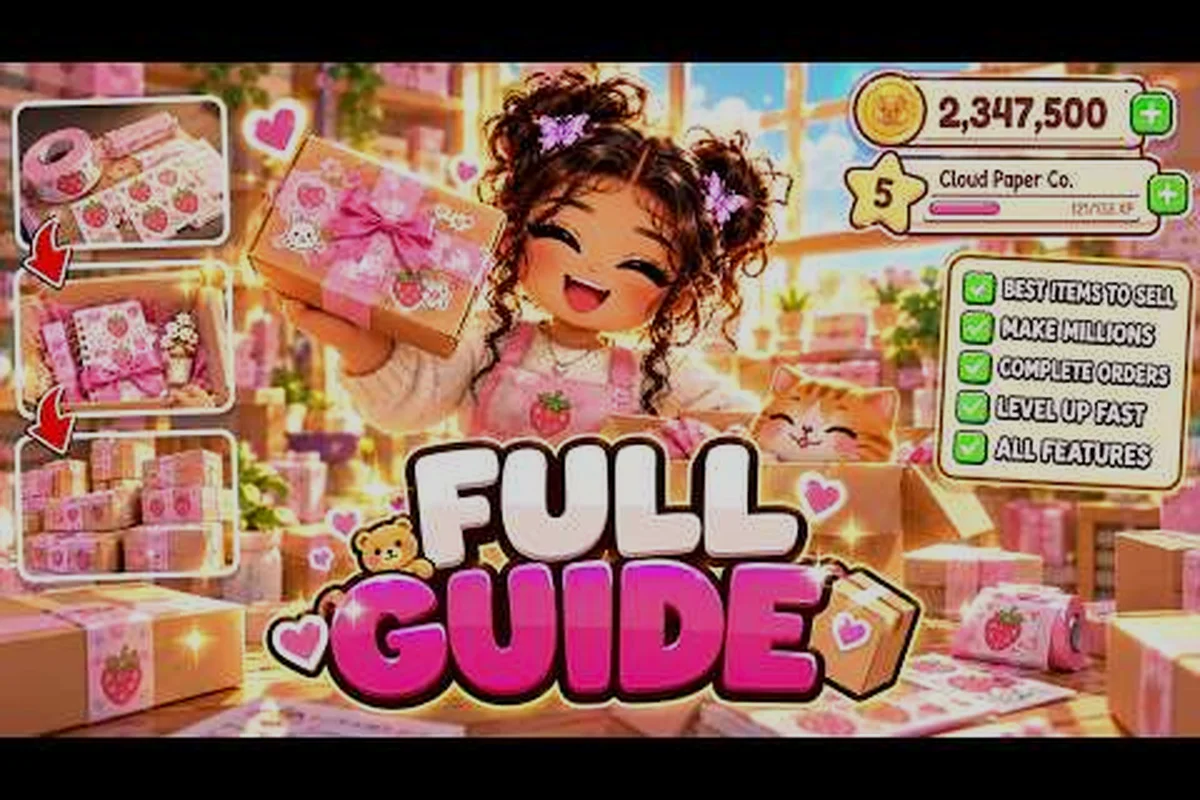
Opening a cozy shop in My Small Business sounds simple until your first order timer starts ticking and you have no idea which box to grab. This my small business roblox beginner guide gives you a straight path from brand creation to your first packed parcel, so you spend coins on the right things instead of guessing.
The game, built by the Future CEOs group, drops you into a starter bedroom shop where every design, print, cut, and pack action feeds directly into your coin balance and shop rating. New players who understand the production chain in the first ten minutes consistently reach their first upgrades faster than those who click around blindly. Get the latest structure below and treat it as your map for the opening sessions.
How the My Small Business Roblox Opening Loop Works
The core of this my small business roblox guide is the production chain, and it repeats in the same order every single time. You take an order, read its theme, sketch a matching product in the Design Studio, print it, cut it, then pack it with the right box and personal touches before shipping. Skipping any link in that chain stalls the whole order.
According to the official Roblox game page, the beginner route runs from creating your brand, walking into the starter bedroom shop, taking the first order, and reading its theme among the eight product themes before you design anything. That sequence matters because a mismatched theme costs you rating, and rating is what unlocks better order flow later.
Here is the loop broken into its repeatable stages, and the order never changes: brand setup at the shop identity screen, order intake at the order board, sketching in the Design Studio, printing at the printer, cutting at the cutting station, packing at the packing table, shipping at the shipping point, then collecting coins and quest credit before the next order spawns. Treat it as one continuous circuit rather than eight separate tasks — the moment you walk back to the order board without collecting your reward, you leave coins sitting on the counter, and re-walking that route costs more time than the design step itself.
-
Brand setup — name your shop and confirm your identity before touching the Design Studio
-
Order intake — accept the order and read the theme label carefully
-
Design Studio — sketch a product that fits the requested theme
-
Print and cut — send the design to the printer, then cut it at the cutting station
-
Pack and ship — choose the smallest box that fits, add packaging and a thank-you card, then ship
-
Collect reward — grab coins and any quest credit before starting the next order
Each stage has a physical station in your shop, and walking between them is where most beginners lose time. The complete walkthrough breaks the same loop into a longer route if you want the full progression picture.
| Stage | Station | Common Beginner Error |
|---|---|---|
| Order intake | Order board | Ignoring the theme label |
| Design | Design Studio | Overcomplicating the sketch |
| Printer | Printing before an order exists | |
| Cut | Cutting station | Forgetting to cut after printing |
| Pack | Packing table | Choosing an oversized box |
| Ship | Shipping point | Skipping personal touches |
The table above is your quick reference for where things usually go wrong, and the pattern it reveals is worth sitting with: only the Design Studio stage actually asks for creativity, while the other five — order intake, print, cut, pack, ship — are pure logistics. That split matters because logistics is where your speed comes from. A beginner who spends ninety seconds sketching a simple themed product but then picks an oversized box at the packing table or forgets to cut after printing will lose far more time than a plain sketch ever costs. Treat the theme label as the one decision that deserves care, then run the remaining stations on autopilot so your coins-per-minute climbs.
Reading the Eight Product Themes Before You Design
Every order in My Small Business carries a theme, and the game uses eight product themes that your design must match. Community reports consistently flag theme mismatch as the single most common reason new players lose rating on early orders, because a beautiful product in the wrong category still counts as a failed match.
The practical habit is to read the theme first, then decide what to sketch. Do not open the Design Studio with a product already in mind. Instead, treat the theme as a brief: if the order asks for something in a specific category, your sketch should be recognizable as that category at a glance.
Matching Sketch Complexity to Your Skill Level
Early on, your sketching tools are limited, so keep designs simple and readable. A clean, simple shape that clearly reads as the requested theme beats an ambitious sketch that takes three times as long and still looks ambiguous. Speed matters because order timers do not pause while you fiddle with details.
Players who want a deeper breakdown of design decisions can check the beginner tips collection, which expands on how to pick products you can repeat reliably. The key insight is that repeatable designs become muscle memory, and muscle memory is what turns a slow first order into a fast tenth order.
| Theme Match Quality | Rating Effect | Coin Effect |
|---|---|---|
| Perfect match, clean design | Positive rating gain | Full order payout |
| Match but messy sketch | Small rating gain | Full payout, slower |
| Wrong theme | Rating loss | Reduced payout |
| No design submitted | Order fails | No payout |
Treat that table as a warning label, not a suggestion. The middle rows are survivable, but the bottom two rows cost you progress you cannot easily recover in a short session: a wrong-theme sketch triggers a rating loss and a reduced payout, so you lose coins twice over, while submitting no design at all fails the order outright and pays nothing. For a beginner running a small shop, two failed orders in a row can stall your cash flow right when you need it to buy better sketch tools. That is why the safest early habit is to match the requested theme exactly, even if the sketch is plain — a messy-but-correct design still earns a small rating gain and full payout, just at a slower pace.
Printing, Cutting, and the Perfect Fit Box Rule
Once your design is done, the physical production steps begin, and this is where the my small business roblox walkthrough order of operations really pays off. Print the design, collect the printed sheet, take it to the cutting station, and cut it into a finished product. Only then does it become something you can pack.
The most valuable single tip in the entire game is the box rule. When packing, pick the smallest box that fits the product, because doing so triggers a +10% Perfect fit bonus on the order. Oversized boxes still ship, but you leave that bonus on the table every single time, and those percentages add up across dozens of orders.
Building a Packing Routine That Includes Personal Touches
Packing is not just dropping an item in a box. The game rewards cute packaging, a thank-you card, and small goodies added before shipping, and community players report that these touches influence customer satisfaction and rating outcomes. Build a fixed sequence so you never forget a step:
-
Place the finished product in the smallest fitting box
-
Add the packaging style that matches the order's vibe
-
Insert a thank-you card
-
Add any available goodie that fits the order size
-
Confirm the shipment and collect your reward
Running the same five steps every time removes decision fatigue. You stop thinking about packing and start executing it, which is exactly how experienced players shave seconds off each order. This matters most during rush periods, when a queue of pending orders can pile up faster than you can box them. A fixed sequence also protects your rating: skipping the thank-you card or goodie because you rushed is the easiest way to lose the satisfaction bonus those touches earn. Treat the routine as a checklist you repeat until it becomes muscle memory, and you will finish more shipments per session without sacrificing the personal details that keep customers coming back.
Managing Coins and Upgrades in Your First Sessions
Coins are tight at the start, and the fastest way to stall your shop is spending them on upgrades that look exciting but do not fix your actual bottleneck. Before buying anything, ask which step of the loop is slowing you down most: design time, printing speed, cutting speed, or packing and walking distance.
If printing is your wall, a printer upgrade pays for itself quickly. If you spend most of each order walking between stations, layout and movement matter more than any single machine. This is the discipline that separates a my small business roblox beginner guide that works from generic advice, because the right purchase depends entirely on where your session actually drags.
| Bottleneck | Symptom | Best First Fix |
|---|---|---|
| Design time | Sketching takes longer than printing | Simplify designs, reuse templates |
| Print queue | Waiting on the printer | Printer speed upgrade |
| Cutting | Products pile up uncut | Cutting station upgrade |
| Walking | Constant back-and-forth | Rearrange stations closer |
| Packing | Fumbling boxes and cards | Pre-plan a packing sequence |
Set a personal coin floor before you shop, so a single impulse purchase cannot wipe out your operating budget. A reasonable early habit is keeping enough coins to cover a few orders' worth of materials before considering any upgrade at all.
Session Planning for New Shop Owners
Short sessions are the norm for most Roblox players, so plan around the time you actually have rather than the time you wish you had. A fifteen-minute session should focus on completing a handful of clean orders, not on starting an ambitious redesign of your shop layout.
The my small business roblox tips for beginners that matter most are about consistency. Complete orders in batches, review your coin total at the end, and note one thing to improve next time. Over a week of short sessions, that habit compounds into a shop that runs noticeably smoother than one built on random clicking.
What to Do in the Final Minutes of a Session
Before logging off, finish any order already in progress, because abandoned orders waste the materials you already spent. Then do a quick review: how many orders did you complete, where did you lose the most time, and what single change would help next session. Write it down mentally or literally, and start the next session by testing that one change.
If you play with friends, the multiplayer guide explains how shared shops change the division of labor, which is a different rhythm entirely from solo play. Solo players should keep their station layout tight and their design library small, while group shops can afford to specialize.
Frequently Asked Questions
What should I do first in My Small Business Roblox?
Create your brand, walk into the starter bedroom shop, and take the first available order. Read the order's theme among the eight product themes before opening the Design Studio, then sketch, print, cut, and pack that single product. Completing one clean order teaches you the entire loop faster than exploring the map.
How do I get the Perfect fit bonus when packing?
Choose the smallest box that fits the finished product. The game awards a +10% Perfect fit bonus when the box size matches the item, so never grab a large box out of habit. Oversized boxes still ship but forfeit that bonus on every order, which quietly costs you coins over time.
Why is my shop rating dropping as a beginner?
The usual cause is theme mismatch, where your design does not match the order's requested theme. Messy sketches and missing personal touches like thank-you cards also drag satisfaction down. Slow down slightly on the theme-reading step, and your rating will recover within a few completed orders.
How should I spend my first coins in My Small Business Roblox?
Spend on whatever step of the production loop slows you down most. If you wait on the printer, upgrade printing; if you walk constantly, rearrange your stations. Avoid buying upgrades that do not address a real bottleneck, and keep a coin floor so you can still afford materials.
Can I play My Small Business Roblox with friends?
Yes. Group play lets you divide the production chain between players, with one person designing while another prints and packs. It changes the pacing considerably compared to solo sessions, so agree on roles before starting and keep the shared station layout simple enough that nobody hunts for equipment.
The opening hours of My Small Business reward patience and repetition far more than creativity. Lock in the production loop, respect the theme on every order, always pick the smallest fitting box, and spend coins only where your session actually drags. Do those four things and your starter bedroom shop will grow into a steady, profitable routine within a handful of sessions.