
Gameplay
Deep dive into My Small Business gameplay: order themes, print-and-cut batches, perfect-fit tips, goodie stacking, star rating and the offline earnings loop.
Introduction
The Gameplay page explains exactly how My Small Business works under the hood, in far more detail than the tutorial gives you. Here you learn the eight order themes, how print and cut batches behave, the rules behind the perfect-fit bonus, how goodies stack their percentage tips, what drives your star rating and how the offline earnings loop really functions. Understanding these mechanics transforms you from a player who follows prompts into a player who plans orders for profit. Because the game hides several numbers — like the exact offline coin rate and per-friend boost values — this page separates confirmed facts from community experiments, so you always know which details are verified and which are still being tested.
Core Mechanic Quick Reference
| Mechanic | How It Works | Pro Tip |
|---|---|---|
| Order Themes | Every order names one of 8 themes (Animals, Flowers, Sweets, Sky, Love, Nature, Ocean, Fantasy). | Print only the theme the order asks for. |
| Perfect fit | The smallest box that fits your items adds +10% tip. | Read the box size before packing. |
| Goodies | Plushie +25%, Freebie +10%, Thank-You Card +8%, Tissue +8%, Seal +6%. | Stack goodies on large orders. |
| Star Rating | Clean, on-theme shipments raise your shop stars. | Rating gates warehouse progression. |
| Offline Coins | The shop earns Coins while you are logged out. | Fill shelves before you leave. |
Mechanic Breakdown
Order Themes
Eight themed order types that decide what you print and pack.
Perfect Fit
The smallest box that fits adds a reliable +10% tip.
Goodies
Percentage-tip extras you can stack onto larger shipments.
Star Rating
A visible quality score that rewards clean, on-theme shipments.
Print & Cut
Batch-based production that rewards planning your prints.
Offline Coins
Semi-idle income that keeps your shop earning while you log off.
Core Mechanics
Each order arrives with a theme, and the product you print must match it. Printing happens in batches on the paper tray, then you cut each product out and pack it. The perfect-fit box system rewards you with a +10% tip whenever you choose the smallest box that fully fits the product and its goodies. Goodies are extra items stacked on top of the base product: a Plushie adds +25% to the shipment, a Freebie +10%, a Thank-You Card +8%, Tissue Paper +8% and a Seal Sticker +6%. Your shop star rating rises when you ship clean, on-theme orders and drops when you cut corners. Business level unlocks new products steadily along the way.
Advantages
Understanding the mechanics is the single biggest Coins multiplier in the game. Knowing the theme rules stops you from wasting paper on designs nobody requested, while the perfect-fit rule turns boring packing into a reliable +10% income boost on every order. Goodie stacking rewards planning: on big orders you can add +57% or more in tips by combining the right extras. The offline loop is another huge advantage once you grasp it, because a full, tidy shop earns Coins while you sleep. Finally, the star rating system gives you a clear quality metric, so you know exactly what behaviour the game is rewarding and can adjust your strategy before it hurts your shop.
Challenges
The biggest gameplay challenge is the lack of published numbers. Offline earnings per minute, Friend Boost values per friend and worker behaviour are still community estimates, so even accurate guides cannot give you exact formulas. The theme system also punishes sloppiness: if you pack an off-theme product or the wrong box size, you lose the bonus tip that smart packers rely on. The star rating grind is slow, and players chasing badges may find the curve between four and five stars frustrating. Finally, seasonal events and weekly patches can briefly change mechanics, so a strategy that worked last week may need a small adjustment after the new update lands.
Frequently Asked Questions
How does the perfect-fit tip work?+
Do goodies always add tips?+
What are the eight order themes?+
How does the star rating change?+
Quick Tips
Memorize the eight themes as a set of pairs — Animals and Flowers are the two you will see in the first hour, while Ocean and Fantasy appear more in later orders. When a new order pops, glance at its theme before you open the design studio so you never print an off-theme product and lose the perfect-fit and quality bonuses.
Before you pack, physically line up the product against the box openings in your inventory. The smallest box that fully contains the product plus goodies is the correct perfect-fit choice. It is worth an extra 10% tip per order, which across a full day of questing often pays for an entire upgrade purchase.
Stack goodies only when they fit the shipment. A single Plushie at +25% is strong, but on a packed multi-item order you can add a Freebie, a Thank-You Card and Tissue Paper for a combined boost of over +30%. Count the box space first, because an overstuffed box prevents you from closing it cleanly.
Treat the offline loop as a passive bonus, not a primary income. Log off with a full shop and finished prep, then collect the Coins next session. Since exact offline rates are unpublished, never plan your whole economy around idle income — active questing and perfect-fit orders remain the dependable source.
Featured
My Small Business Roblox How Offline Earnings Work Explained
See how my small business roblox how offline earnings work, how coins accumulate while away, and why collecting before shutdown maximizes your passive income.
My Small Business Roblox Catalog Slots: Bigger Shop Display Guide
Unlock my small business roblox catalog slots, arrange furniture for a wider display, and learn how shop customization can make your products easier to browse.
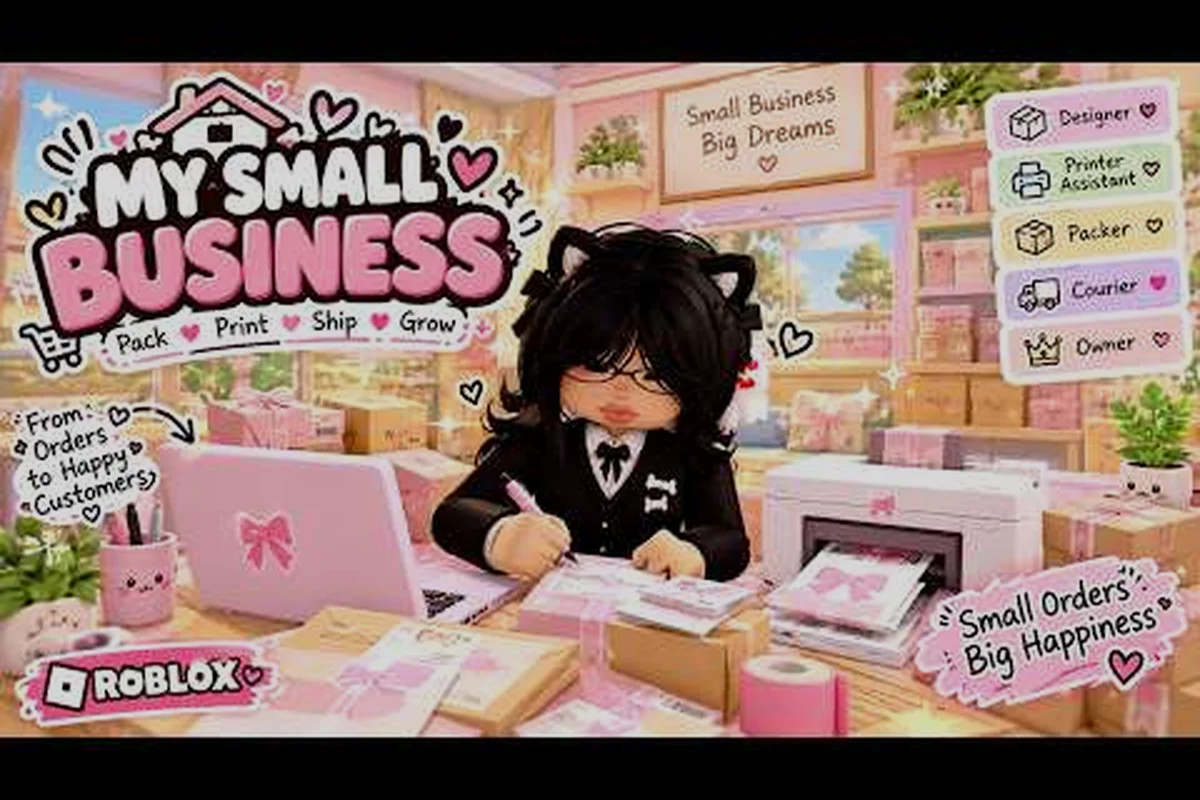
My Small Business Roblox Gameplay: Core Loop Explained
Explore My Small Business Roblox gameplay from designing products to fulfilling orders, and learn how printing, packing, customers, and shop income fit together.
All Articles
My Small Business Roblox Goodies Explained: Freebie Bonuses
Learn how My Small Business Roblox goodies work, stacking freebie bonuses to raise tips on orders with practical packing combinations.
My Small Business Roblox How to Get Tips: 5-Star Rating Guide
Learn my small business roblox how to get tips by packing perfect-fit boxes, stacking goodies, and protecting your shop rating for bigger payouts.
My Small Business Roblox How to Pack Boxes for a Perfect Fit
Master My Small Business Roblox how to pack boxes by matching products to sizes, arranging goodies neatly, and avoiding wasted space before shipping an order.
My Small Business Roblox Product Themes: 10 Design Concepts
Explore my small business roblox product themes with 10 cozy design concepts, from animal stationery to ocean trinkets, plus practical printing and selling tips.