
Multiplayer
My Small Business multiplayer and Collab guide: invite friends, divide printing and packing, understand Friend Boost and play together in 6-player servers.
Introduction
The Multiplayer page explains everything about playing My Small Business together: inviting friends, using the Collab feature, understanding Friend Boost and dividing up the work in 6-player shops. Servers host up to six players, and any of them can join your shop, use Collab to help print and pack, and watch the Friend Boost percentage on the HUD. Because the developer has not published exact per-friend boost numbers, this page separates what is confirmed — the 6-player cap, the Collab button and the visible boost meter — from what the community is still testing, like the precise percentage behind Friend Boost.
Multiplayer Setup Quick Guide
| Feature | How It Works | Verified? |
|---|---|---|
| Server cap | Up to 6 players share one shop. | Yes |
| Collab button | Friends can print and pack in your shop. | Yes |
| Friend Boost | HUD boost % while friends play with you. | Visible |
| Division of labour | Split printing and packing between friends. | Recommended |
| VIP servers | Private servers per shop. | No evidence |
Co-op Breakdown
Invite Friends
Bring friends into your shop through the standard invite flow.
Collab Button
The cooperative button that lets friends print and pack.
Friend Boost
A visible HUD percentage that grows while friends play with you.
6-Player Line
A full server running like a real production team.
No VIP Servers
No evidence of private servers tied to individual shops.
Core Mechanics
Multiplayer works through shared shop ownership. Up to six players can occupy one server, and friends can be invited directly to your shop. The Collab button lets other players print and pack in your shop as if it were their own production line, which speeds up shipping dramatically. While friends are active with you, the HUD shows a Friend Boost percentage that increases your earnings; the exact value per friend is not displayed. There is no evidence of VIP/private servers tied to individual shops, so co-op is designed around public servers and friend invites rather than isolated instances. Every shared action feeds the same shop state — orders, shelves, quests and the star rating all update live while the group works the line together.
Advantages
Multiplayer is a massive Coins multiplier for a simple reason: more hands on the line means faster orders. When friends divide printing from packing, you clear quests faster, ship more per minute and trigger Friend Boost on top of everything else. Collab turns your shop into a shared production floor, so even a single helper roughly doubles your throughput without extra upgrades. Six-player servers are the extreme version of this, with every player focusing on one or two tasks while the boost meter climbs. For players who have friends, running multiplayer is one of the fastest and most fun ways to out-earn solo grinding.
Challenges
Multiplayer has three real limits. Friend Boost values per friend are not published, so you cannot calculate the exact combined boost the way you can with goodie percentages — the HUD shows a number, but the formula behind it stays hidden. The 6-player cap means coordinated groups need to plan who does what, because idle helpers waste the shared shop's limited work. Finally, there is no evidence of VIP or private servers, so you cannot isolate your shop from public servers; groups have to coordinate through the standard invite and Collab tools. Because the group shares one economy, a careless teammate packing off-theme orders can drag the star rating down for everyone — communication matters as much as clicking fast.
Frequently Asked Questions
How many players can play together?+
What does the Collab button do?+
How does Friend Boost work exactly?+
What is the best way to split work in multiplayer?+
Quick Tips
Set up a clear division of labour before the orders pile up. In a 6-player shop, assign one player to design and print, one to cut, one to pack and one to manage boxes and goodies. A shop where everyone tries to do everything produces chaos, while role-based play pushes shipping speed and quest progress much higher.
Watch the Friend Boost meter on the HUD rather than computing per-friend values. The developer has not published exact numbers, so the visible percentage is the only reliable information you have. Use it to decide when to invite more friends and when your group is already big enough. When the meter stops climbing with more friends, your current group size is likely already the practical cap.
Use Collab even with one friend. A single helper dividing tasks roughly doubles throughput: they handle printing or packing while you do the other, and every order ships faster. Boosts, quest counters and the star rating all improve when the shop runs like a real two-person line. The role split also reduces collision in the shared shop, because each station stays occupied by one player.
Deadline-coordinate event grinds with friends. During Live events like the Plushies & Craft Fair, sessions are more efficient as a group because the shared line clears orders quickly and event quests progress together. Log on at the same UTC time, divide roles and clear the event windows before they close.
Featured

My Small Business Roblox 6 Player Servers: Team Setup
Explore my small business roblox 6 player servers and learn how to invite a team, divide production tasks, and share orders efficiently.
My Small Business Roblox Coop Money Making Guide
Discover whether My Small Business Roblox coop money making beats solo play through shared production, team roles, and faster order completion.
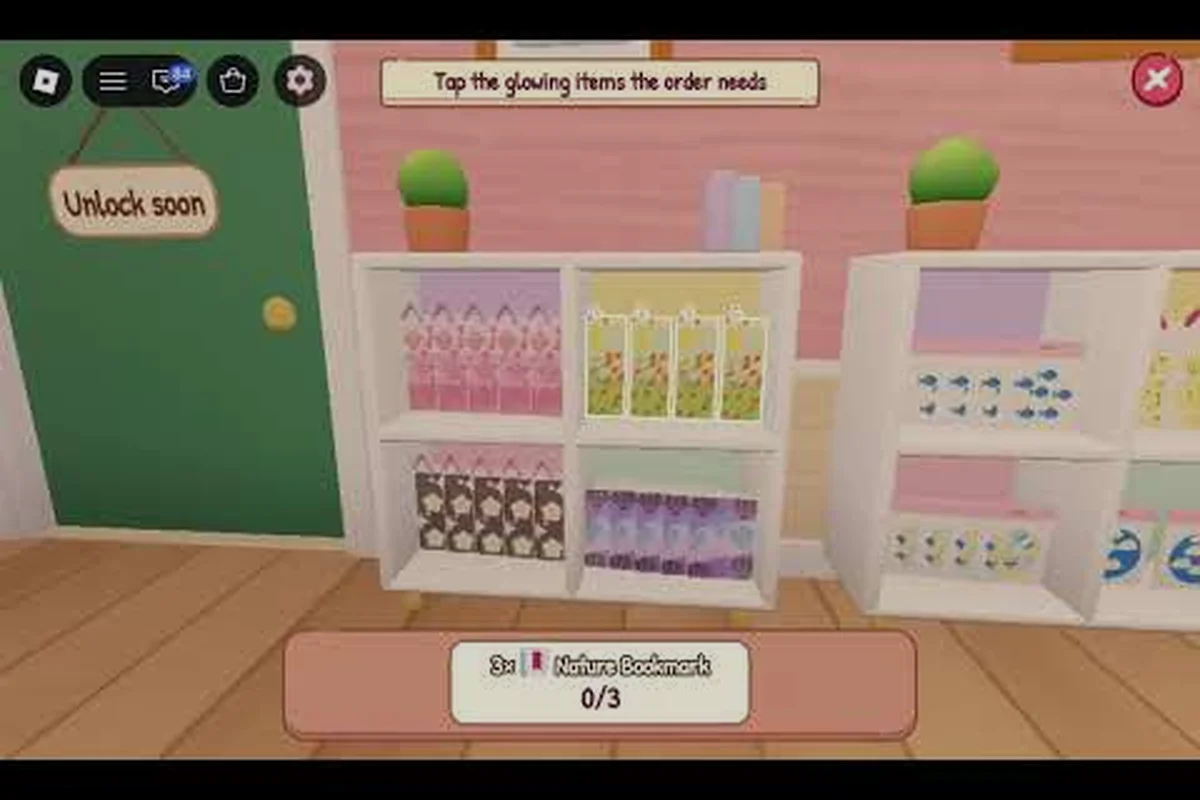
My Small Business Roblox Friend Boost: Collab Percent Values
Learn my small business roblox friend boost rules, including the Collab button, bonus percentage, activation steps, and best ways to use it.
All Articles
My Small Business Roblox Friend Rewards: Progress and Perks
Discover my small business roblox friend rewards, including group features, collaborative orders, and shared benefits that speed up your shop.
My Small Business Roblox Friends Help Print: Team Guide
Learn how My Small Business Roblox friends help print, cut, and pack orders faster by dividing production tasks and sharing shop duties.
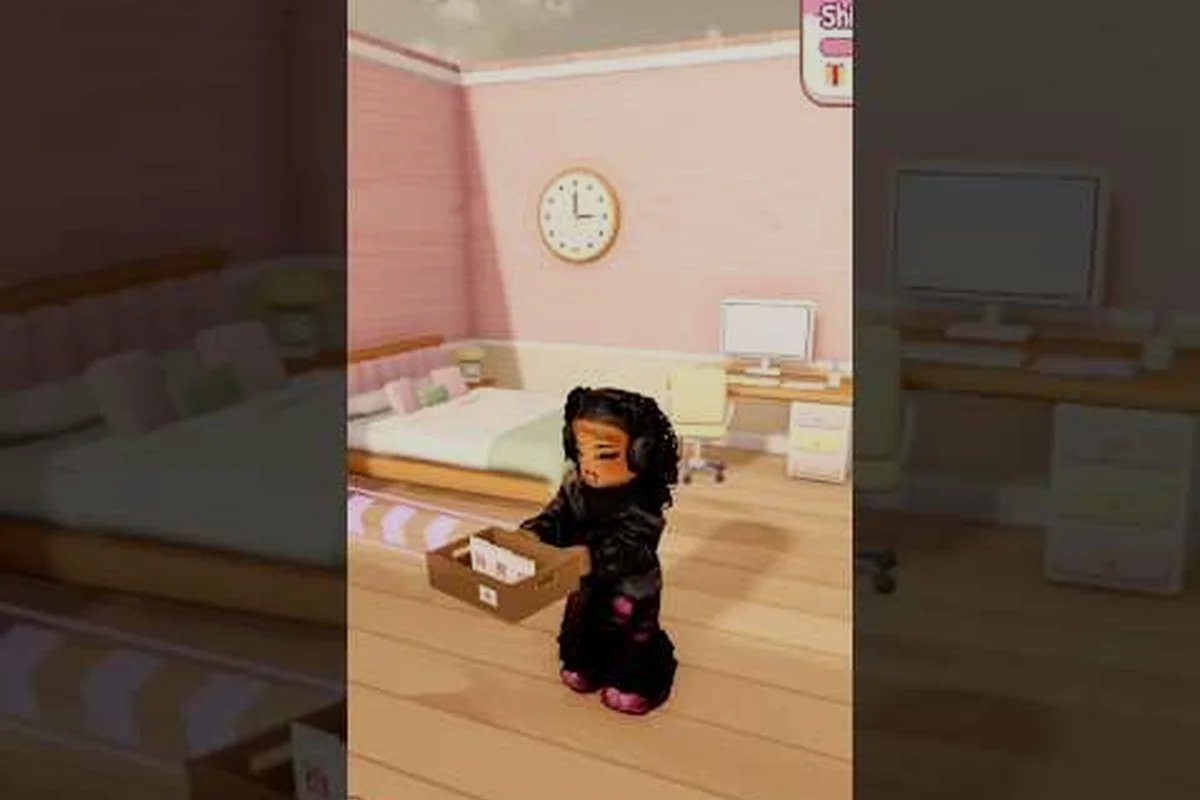
My Small Business Roblox Multiplayer: Co-op and Invite Guide
Learn My Small Business Roblox multiplayer basics, from inviting friends and joining servers to sharing shop duties in cooperative sessions.